Task tracking, results and recovery
Track images/videos by task ID through model completion and storage, then reconcile charges and failure releases.
Updated
Before you start
- Sign in to your own LINK42 account. The console uses a login session; programmatic calls use a LINK42 API key.
- Generation is billable. Check balance, model availability and the estimate first. Screenshots only illustrate the steps; they do not show that a model is enabled or what it will generate.
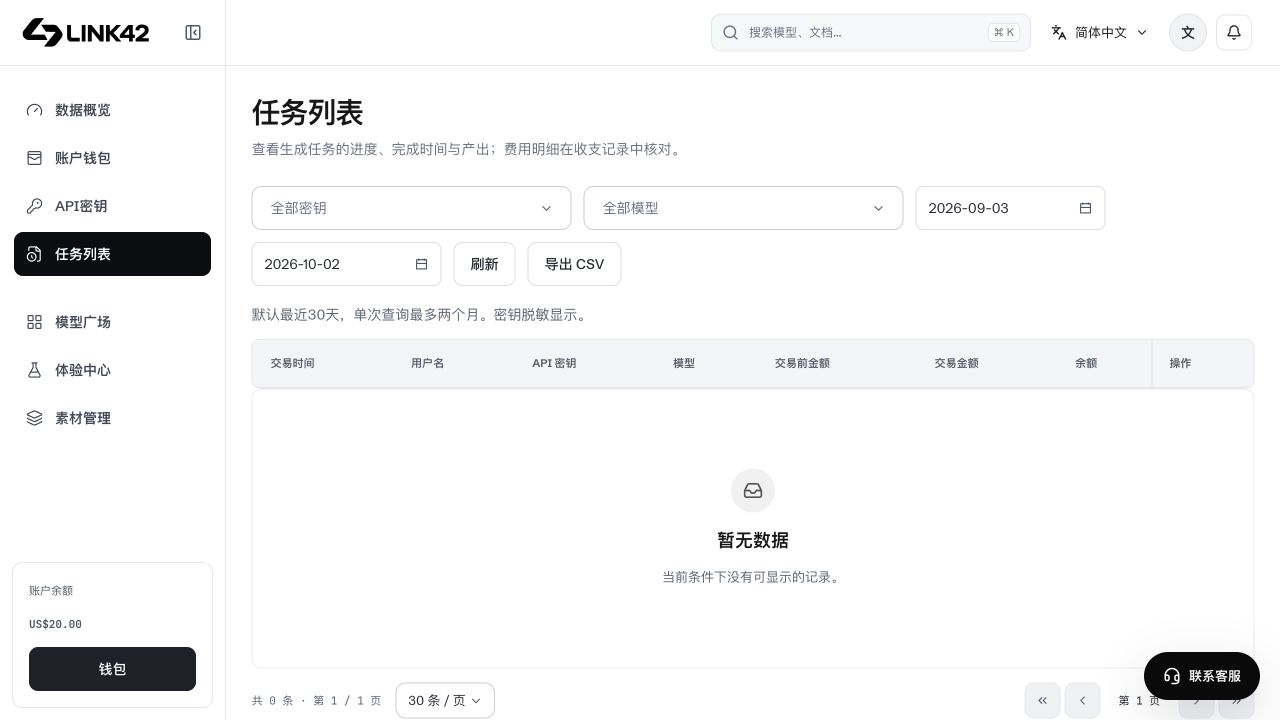
Inspect the task list
Filter tasks by type/status and inspect model, ID, progress, timestamps and output. You can leave Experience Center; query an existing task when returning instead of resubmitting the prompt.
 View full-resolution image
Inspect details and results
Keep correlation IDs
Task IDs query tasks; request IDs correlate calls and bills. Neither is a model or asset ID.
Separate generation and storage
succeeded means model completion; persistence, processing or preview may still be pending. Verify an accessible result or ready storage.
Download and reconcile
Download promptly. Re-query the same task when a temporary link expires. Inspect reserved, actual and released amounts rather than estimates.
Create a new request only when needed
Decide on retry after confirming failure. Regeneration is a new potentially billable request; GET/poll recovery is not.
Provide actionable support details
Provide the API model ID, task/request ID, time, error code and sanitized screenshot. State whether upload, submission, waiting, persistence or download failed. Never provide keys, passwords, OTPs, cookies or signed private result URLs.